toohottopost.com

Subtitle Generator

Captions timed from your video's own audio, shown on the picture before you download. Watching every cue is free. One credit downloads the SRT and VTT.

No accountOne payment per file, no subscriptionThe video is not kept. Only the captions stay in your history.
Example: a 30 second reel. These cues came straight from its audio. Press play and watch them land.

Your captions, on your video

0:00 / 0:00
Layout

Cues

What one credit gives you

  • SRT file, the format every platform accepts
  • VTT for web players
  • Captions translated into 20 languages, same timing
  • Re-download after every correction

Drop a reel, a TikTok, a Short, a YouTube video or a course recording. The sound is decoded in your browser and sent as plain audio; the video itself never leaves your device. Cues appear on the video as it plays, built under the rules platforms and editors expect: one or two lines, a character budget per line, no cue on screen longer than a few seconds, breaks that never split a word. Click a cue to jump there, double click to fix a name, switch between a one line social layout and a two line standard layout.

Everything you see is free. One credit downloads the SRT, VTT and text files for the video, and you can download again after every correction. No watermark, no editor to learn, no subscription.

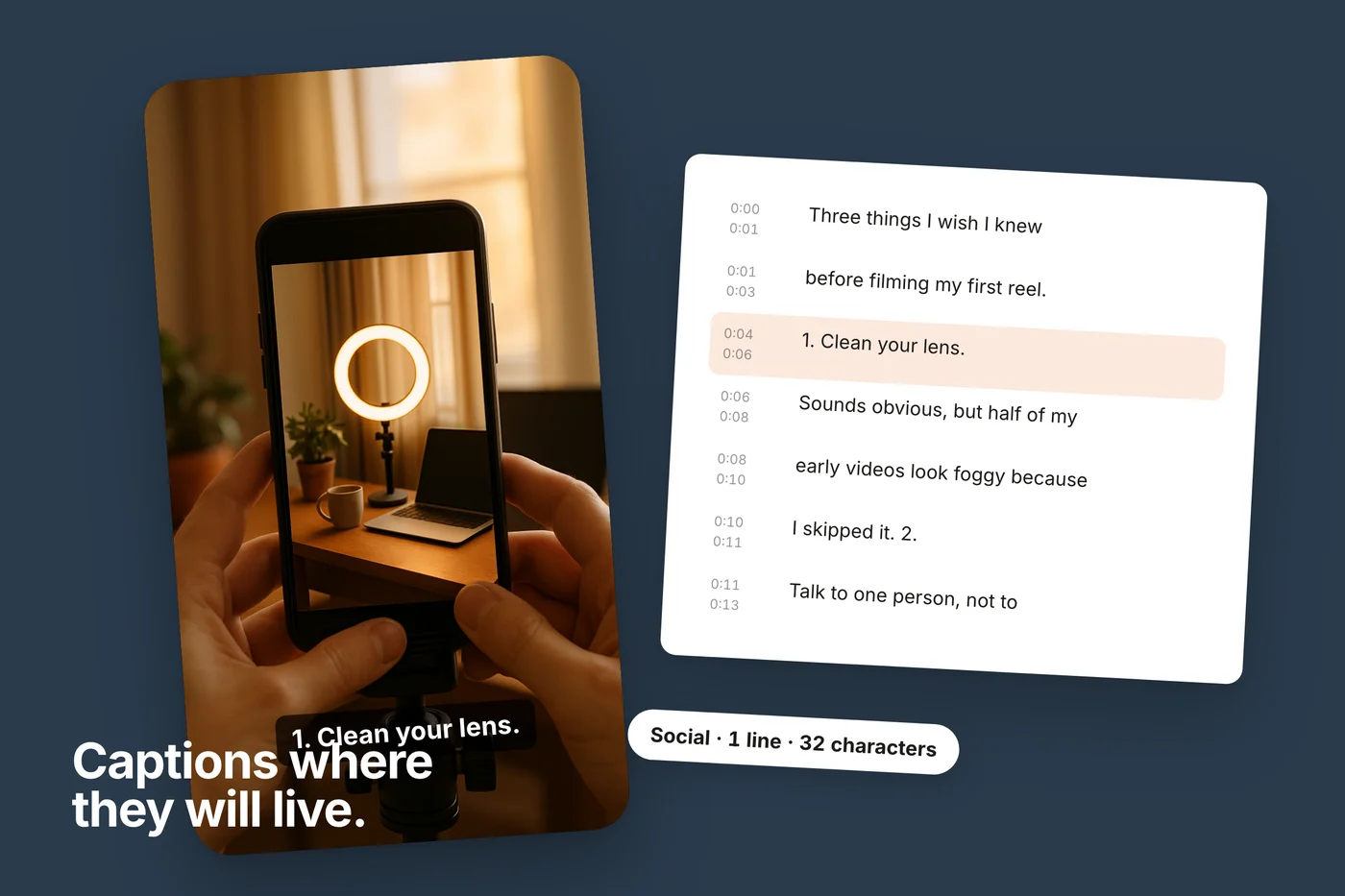
Captions where they will live

A vertical phone video frame floating on a flat field, a caption in white on a dark box near the bottom reading a short line from the sample reel, with a cue list card beside it.
The cues land on your video as it plays, in the layout you will post. What you check here is what the file contains.

How it works

  1. Drop the video

    MP4, MOV, WEBM, M4V or an audio file, up to sixty minutes. Only the sound is sent, in short pieces; the picture stays on your device.

  2. Watch the cues land

    The first cues appear in seconds and play on the video as they are built. The language is detected on the way.

  3. Fix and fit

    Click a cue to jump there, double click to correct a word. Choose one line for social video or two lines for standard captions.

  4. Download the files

    One credit gives SRT, VTT and plain text for this video. Download again after any correction.

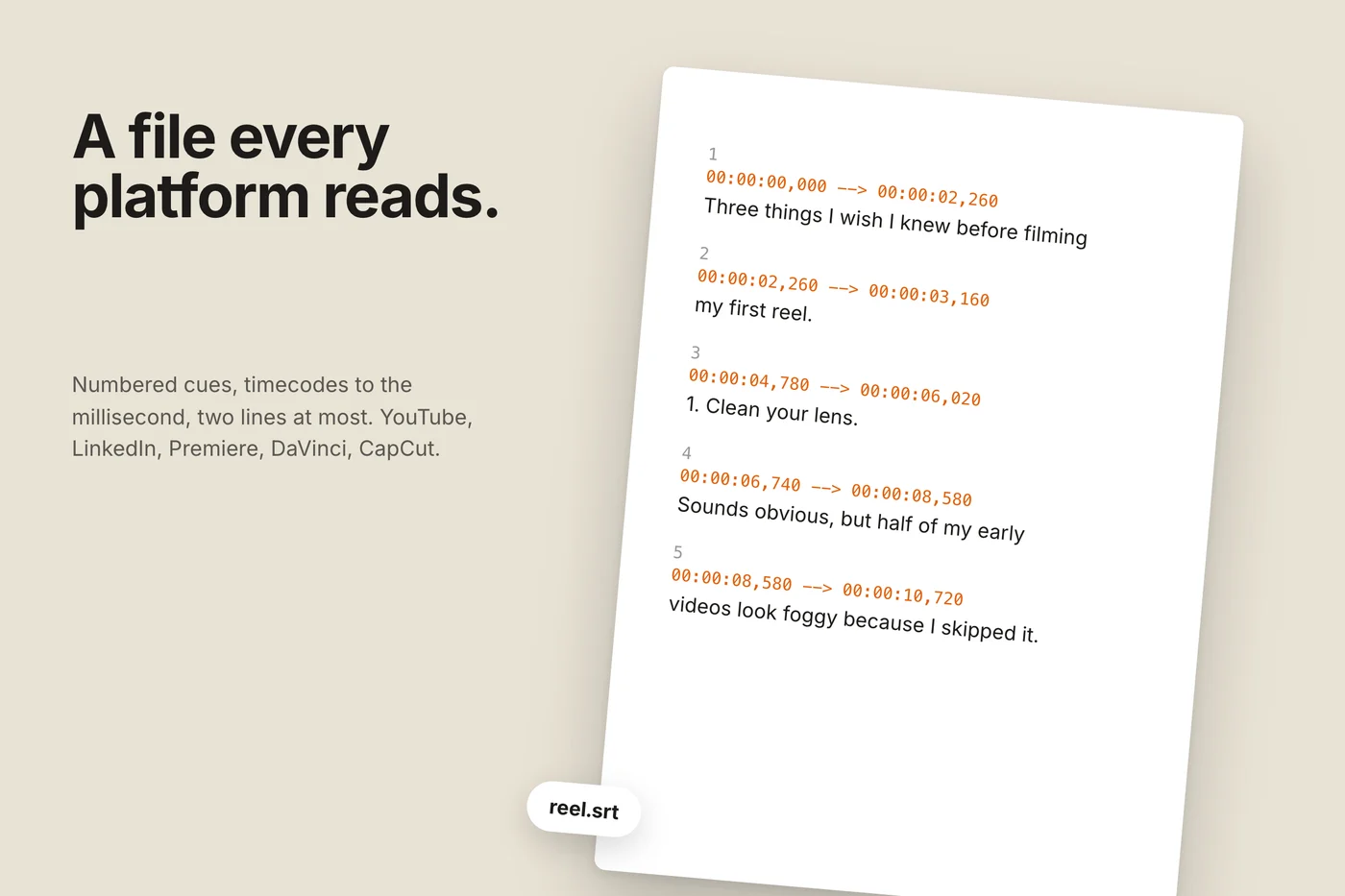
A file every platform reads

An SRT file sheet floating at a slight angle: numbered cues with timecodes and short lines of text, the first cue from the sample reel.
Numbered cues, timecodes to the millisecond, two lines at most. Upload it to YouTube or LinkedIn, or drop it on the timeline in Premiere, DaVinci or CapCut.

Compared with the auto caption tools inside editors

Here

Before the first result
Nothing to sign up for
What is free
Every cue, on the video, timed
The file
SRT, VTT, text for one video, one payment
Line rules
Enforced: one or two lines, character budget, cue length
Corrections
Double click, re-download free
Your video
Never uploaded; only the audio is sent

Online video editors

Before the first result
Account
What is free
Short videos with a watermark
The file
On paid plans
Line rules
Editor defaults
Corrections
In the editor
Your video
Uploaded to their servers

Why the line rules matter

A caption that runs to three lines covers the speaker's face on a phone. A cue that stays for nine seconds is read twice and then ignored. A line broken in the middle of a name reads as a mistake. Broadcast captioners settled these rules decades ago: at most two lines, around forty two characters each, roughly one to six seconds on screen, breaks at natural phrase boundaries. Social video tightened it to one short line at a time. The cues here are built to those rules from the word timings, not chopped at a fixed count, which is why they read as intended rather than as a transcript poured into boxes.

Uploading the file to a platform

  • YouTube

    Subtitles in the video's details, Add language, Upload file, choose the SRT with timing.

  • LinkedIn

    the video post editor has a Select caption file option; it takes SRT.

  • Instagram and TikTok

    they generate their own captions in the app. Use the text export to check them, or burn captions in with your editor from the SRT.

  • Premiere, DaVinci, CapCut, Final Cut

    import the SRT onto the timeline, then style the captions once.

  • Course platforms and web players usually take VTT; both files are in the download.

Questions

Unlock the rest of this tool

Subscribe for unlimited use, or buy credits and pay only for what you need.

Best value
5 videos
$6.99
  • 5 videos, up to 60 minutes each
  • SRT, VTT and text
  • No expiry
  • $1.40 each
Popular
1 video · single file
$1.99
  • SRT and VTT for one video
  • Up to 60 minutes
  • Re-download after every correction
Cancel anytime Easy refund, just write us Secure checkout · Polar

Related tools